
How to Register on PHLWin Casino in 2 Minutes (2026 Complete Guide)
Look, I've signed up for probably 50+ online casinos over the years, and I can tell you this: PHLWin's registration process is one of the easiest I've tested. No complicated forms, no asking for your life story, no confusing verification hoops. Just straight-forward signup that takes less time than making instant noodles.
But here's the thing – even though it's simple, people still mess it up. I've seen folks use the wrong email, forget their password immediately, skip the verification step, and then wonder why they can't withdraw later. That's why I'm writing this guide with every single detail, screenshot, and troubleshooting tip you might need.
What you'll learn in this guide:
- The exact 5-step registration process (with screenshots)
- What information you need before starting
- How to verify your mobile number with OTP
- KYC verification for withdrawals (the step most people skip)
- Common registration errors and how to fix them
- Mobile vs desktop registration differences
- Security tips to protect your account
- How to claim your ₱888 welcome bonus after signup
Time to create your account? Let's do this.
What You Need Before You Start (Don't Skip This)
Before you click that register button, make sure you have these ready. Trust me, it'll save you time and frustration:
Required Information:
- Philippine mobile number (this becomes your username)
- Email address (make sure it's active – you'll need to verify it)
- Password (8+ characters, mix of letters, numbers, symbols)
- Full legal name (exactly as it appears on your government ID)
- Date of birth (you must be 21 or older)
For Later (KYC Verification):
- Valid government ID (driver's license, passport, UMID, PhilSys, SSS, Voter's ID)
- Selfie holding your ID (clear photo, face visible)
- Proof of address (utility bill, bank statement within 3 months)
You can play immediately after basic registration, but you'll need the KYC documents when you want to make your first withdrawal. Do yourself a favor and prepare them now.
Age Requirement: You MUST be 21 years old or older. PHLWin will verify this, and if you lie about your age, your account will be permanently banned and any winnings forfeited. Not worth it.
PHLWin Registration: Complete Step-by-Step Process
Alright, here's exactly how to create your PHLWin account. I'm including screenshots for each step so you can follow along visually.
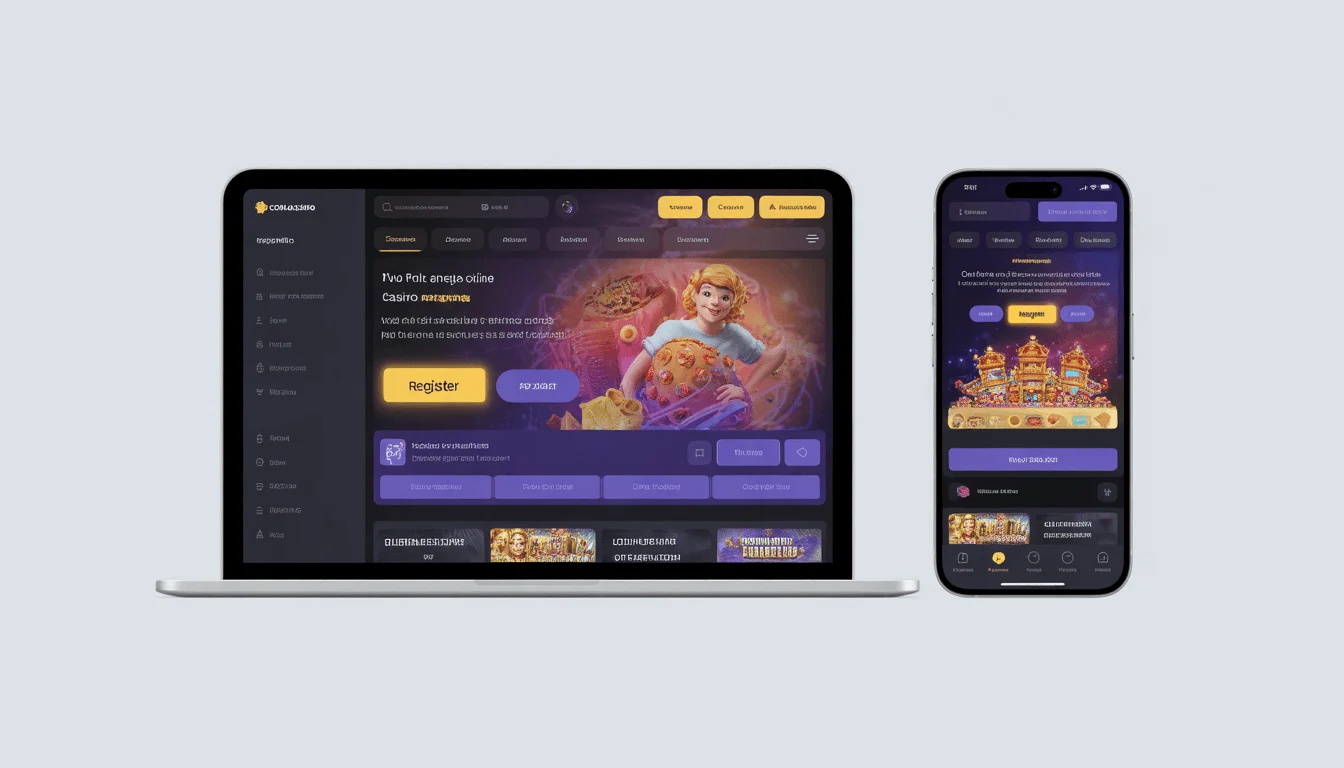
Step 1: Go to PHLWin Website or Open the App
You have two options here:
Option A: Website (Desktop or Mobile Browser)
- Open your browser (Chrome, Safari, Firefox – whatever you use)
- Go to the official PHLWin website (make sure it's the legit site, not a copycat)
- You'll land on the homepage
Option B: PHLWin Mobile App
- If you already downloaded the app, open it
- If not, check our PHLWin app download guide first
Both methods work identically, so use whatever's convenient. I prefer the app because it's faster, but the website works fine too.
Step 2: Click the "Register" Button
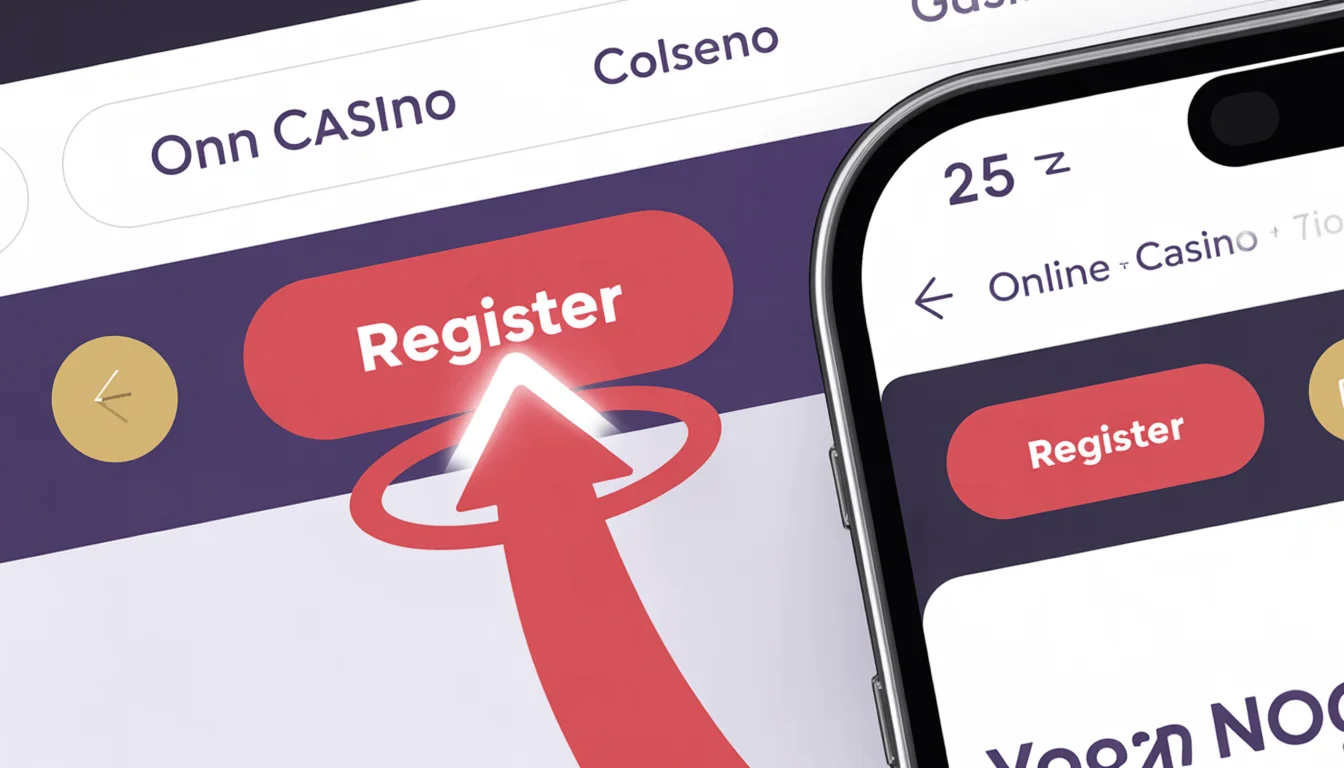
This is pretty self-explanatory, but I'm including it because people genuinely ask me where the register button is (it happens).
Where to find it:
- Desktop: Top right corner of the page, big red button that says "Register"
- Mobile: Also top right, or sometimes in the hamburger menu (three lines)
- App: Usually center screen or top right
Click it. A registration form will pop up or open on a new page.
Step 3: Fill in the Registration Form
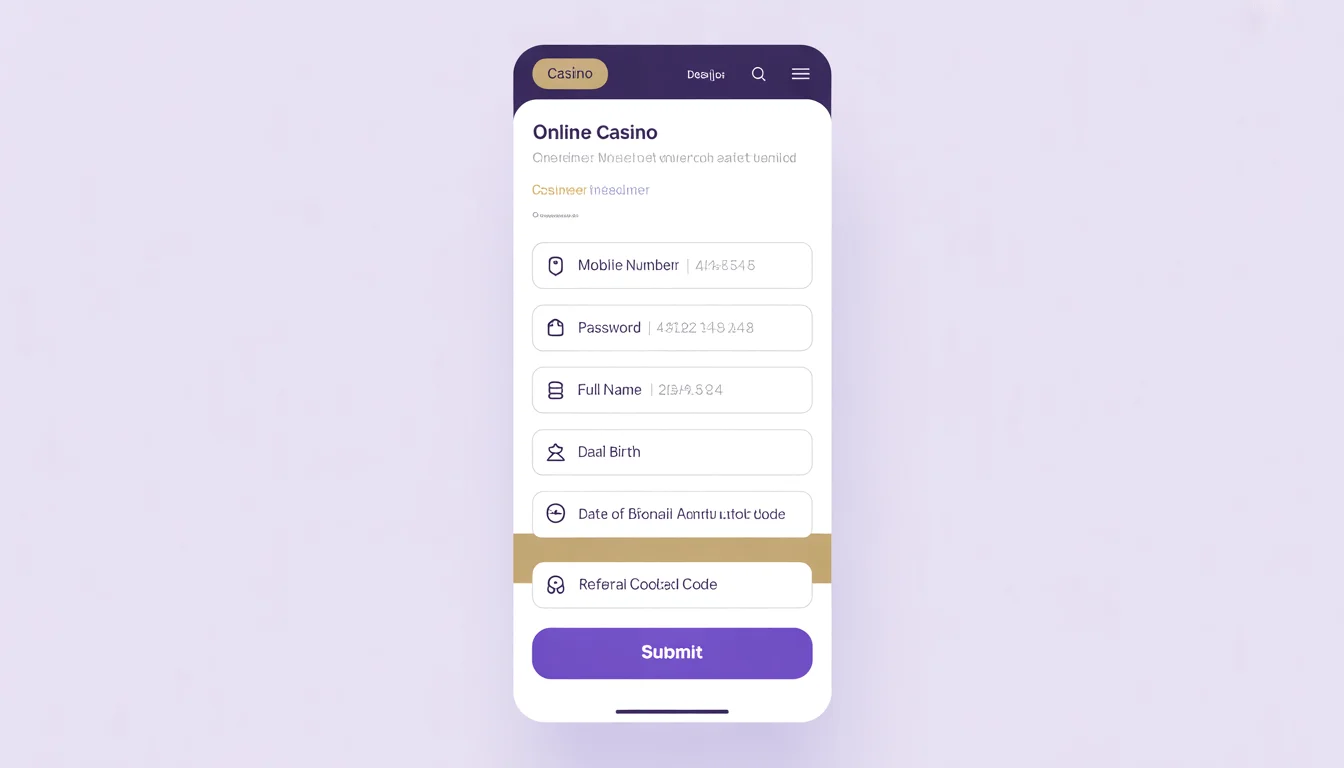
Here's where you enter your information. The form has 6 fields:
1. Mobile Number
Enter your Philippine mobile number (format: 09XXXXXXXXX). This becomes your username for logging in. Make sure it's active – you'll receive an OTP here. Example: 09171234567
2. Email Address
Use a real email you can access. PHLWin sends account confirmations and bonus updates here. Gmail, Yahoo, Outlook – all work fine. Example: juan.cruz@gmail.com
3. Password
Minimum 8 characters. Must include letters AND numbers. Add special characters for extra security (@, #, $, etc.). Don't use "password123" or your birthday – make it strong.
4. Full Name
First name and last name. Must match your government ID exactly (you'll verify later). Middle name optional. Example: Juan Miguel Cruz
5. Date of Birth
Format: MM/DD/YYYY. Must show you're 21+. PHLWin checks this against your ID later. Example: 05/15/1995
6. Referral Code (Optional)
Leave blank unless someone gave you a code. Referral codes sometimes give extra bonuses. Not required for signup.
Pro Tips:
- Write down your password somewhere safe (password manager, secure notes app)
- Double-check your mobile number – one wrong digit means no OTP
- Use your real name – fake names = account banned later
Once everything's filled in, check the box that says "I agree to Terms and Conditions" and "I am 21 years old or older." Then click the big "Register" or "Sign Up" button at the bottom.
Step 4: Verify Your Mobile Number (OTP)
Immediately after clicking register, PHLWin sends a 6-digit OTP (One-Time Password) to your mobile number via SMS.
What to do:
- Check your phone for the SMS (usually arrives within 30 seconds)
- The message will say something like: "Your PHLWin verification code is: 123456"
- Enter the 6-digit code in the OTP field on the website/app
- Click "Verify"
If you don't receive the OTP:
- Wait 2 minutes (sometimes SMS is delayed)
- Check if you entered the correct mobile number
- Click "Resend OTP" (usually appears after 60 seconds)
- Make sure your phone has signal
- Check your spam/blocked messages folder
- If still nothing, contact PHLWin support via live chat
Once you enter the correct OTP and verify, your account is created! You'll see a success message like "Registration Successful" or "Welcome to PHLWin!"
Step 5: Complete Your Profile (Optional but Recommended)
After registration, PHLWin might ask you to complete additional profile details (Address, City/Province, Occupation). You can skip this and do it later, but I recommend filling it now. Takes 30 seconds and helps with verification later.
Account Created – Now What? (Important Next Steps)
Congrats, you're registered! But don't start depositing thousands of pesos just yet. Here's what you should do immediately:
1. Verify Your Email (Takes 1 Minute)
Check your email inbox for a message from PHLWin (subject: "Verify Your Email"). Click the verification link in the email. This confirms your email is real and is required for password resets avoiding account recovery issues.
2. Enable Two-Factor Authentication (Highly Recommended)
Go to Account Settings → Security → Enable 2FA. This adds an extra security layer. Even if someone steals your password, they can't login without the 2FA code from your phone.
3. Set Deposit Limits (Responsible Gambling)
Before you start playing, set a daily/weekly deposit limit. Go to Account Settings → Responsible Gaming. Set a daily limit (e.g., ₱500, ₱1,000) that you're comfortable losing. Seriously, do this. Future you will thank present you.
KYC Verification: How to Verify Your Identity (Required for Withdrawals)
Here's the part most people skip until they try to withdraw money – then they panic because it takes 24 hours. Do this NOW, even if you don't plan to withdraw today.
What is KYC? KYC (Know Your Customer) is identity verification. PHLWin needs to confirm you're a real person, not a money launderer or underage gambler. Every legitimate casino does this.
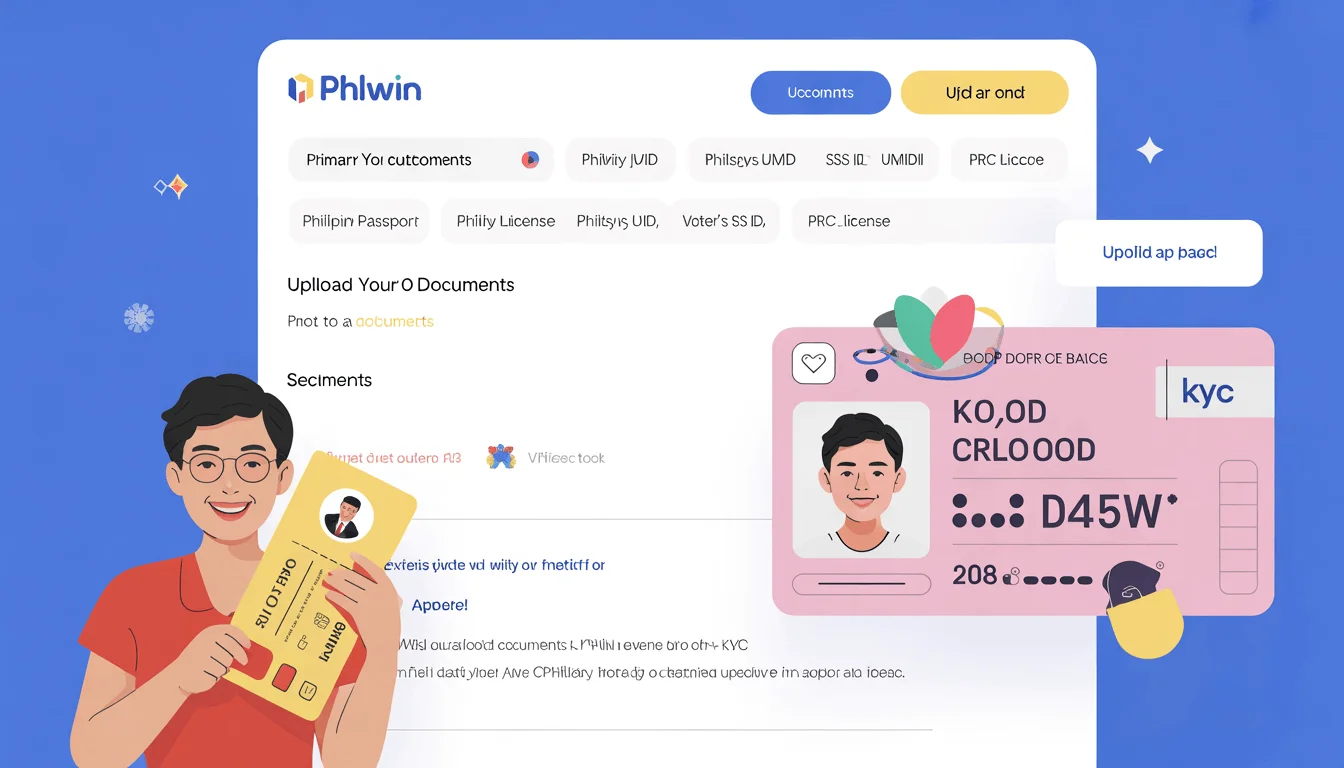
Documents You Need for KYC:
Primary ID (Choose ONE): Philippine Passport, Driver's License, UMID, PhilSys ID, SSS ID, Voter's ID, or PRC License.
Secondary Documents: Selfie holding your ID (face visible, ID readable), Proof of address (utility bill, bank statement within last 3 months).
How to Submit KYC Documents:
- Login to your PHLWin account
- Go to Account Settings → Verification or KYC
- Click "Upload Documents"
- Upload your ID (Clear photo, front and back)
- Upload your selfie (Holding ID next to face)
- Upload proof of address
- Submit and wait
PHLWin reviews KYC submissions within 24 hours (usually faster – mine was approved in 6 hours). You'll get an email notification when approved.
KYC Tips for Fast Approval:
- Use high-quality photos (not blurry)
- Make sure all text is readable
- ID should not be expired
- Name on ID must match your registration name exactly
- Don't crop or edit photos (submit originals)
Common PHLWin Registration Problems (And How to Fix Them)
Okay, here are the issues people run into most often, and the solutions:
Problem 1: "Mobile Number Already Registered"
Why: You likely already have an account or someone used your number.
Solution: Try logging in or using "Forgot Password". Contact support if you
genuinely don't have an account.
Problem 2: "OTP Not Received"
Why: Wrong number, SMS delay, or no signal.
Solution: Wait 2 mins, check number, click "Resend", or contact support.
Problem 3: "Invalid Date of Birth"
Why: You're under 21 or wrong format.
Solution: Check format (MM/DD/YYYY). You MUST be 21+.
Problem 4: "Weak Password Error"
Why: Password too short or simple.
Solution: Use 8+ chars, mix letters, numbers, symbols.
How to Claim the ₱888 Welcome Bonus After Registration
Registered successfully? Now get your welcome bonus:
- Login to your new account
- Go to Promotions page
- Find "Welcome Bonus" offer
- Click "Claim" or "Activate"
- Make your first deposit (minimum ₱100)
- Bonus automatically credited to your account
Important: You must claim the bonus BEFORE depositing. If you deposit first, you can't get the bonus later.
Full bonus details can be found in our PHLWin welcome bonus guide.
Frequently Asked Questions (FAQ)
How long does PHLWin registration take?
Basic registration takes less than 2 minutes. Including KYC document upload and approval, the entire process is usually completed within 24 hours.
Is PHLWin registration free?
Yes, completely free. No signup fees, no account maintenance charges. You only spend money when you choose to deposit and play.
What age do I need to be to register?
You must be at least 21 years old. This is a legal requirement under Philippine gambling laws.
Can I register without a Philippine mobile number?
No, you need a Philippine mobile number for registration and OTP verification.
Ready to Register? Here's Your Action Plan
- □ Have mobile number & email ready
- □ Go to PHLWin website/app
- □ Click "Register" & fill form
- □ Verify with OTP
- □ Upload KYC documents
- □ Claim welcome bonus
Last Updated: March 1, 2026 | Author: Carlos Mendoza, Senior Casino Reviewer